
A3 colour multifunction
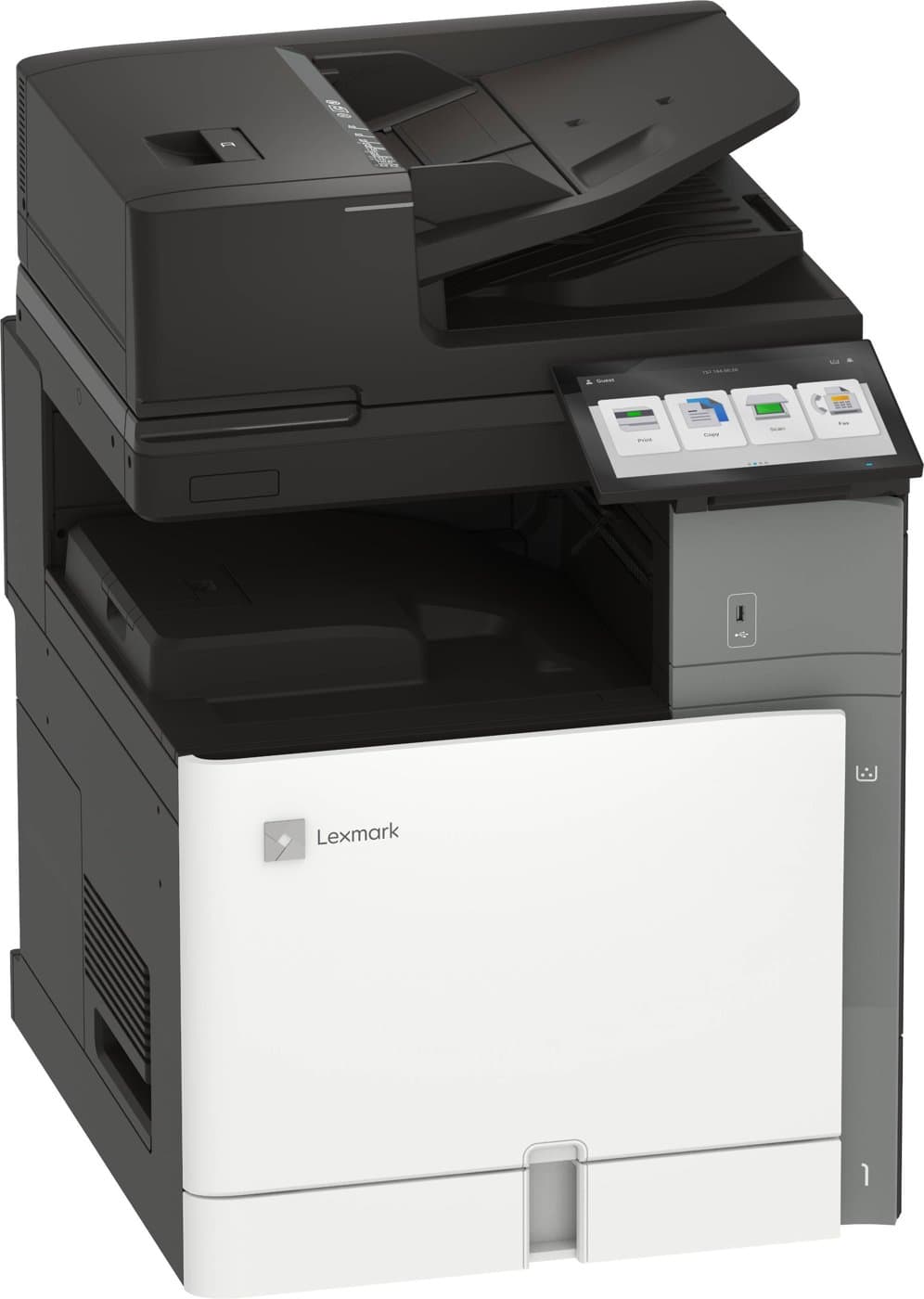
Lexmark XC9635
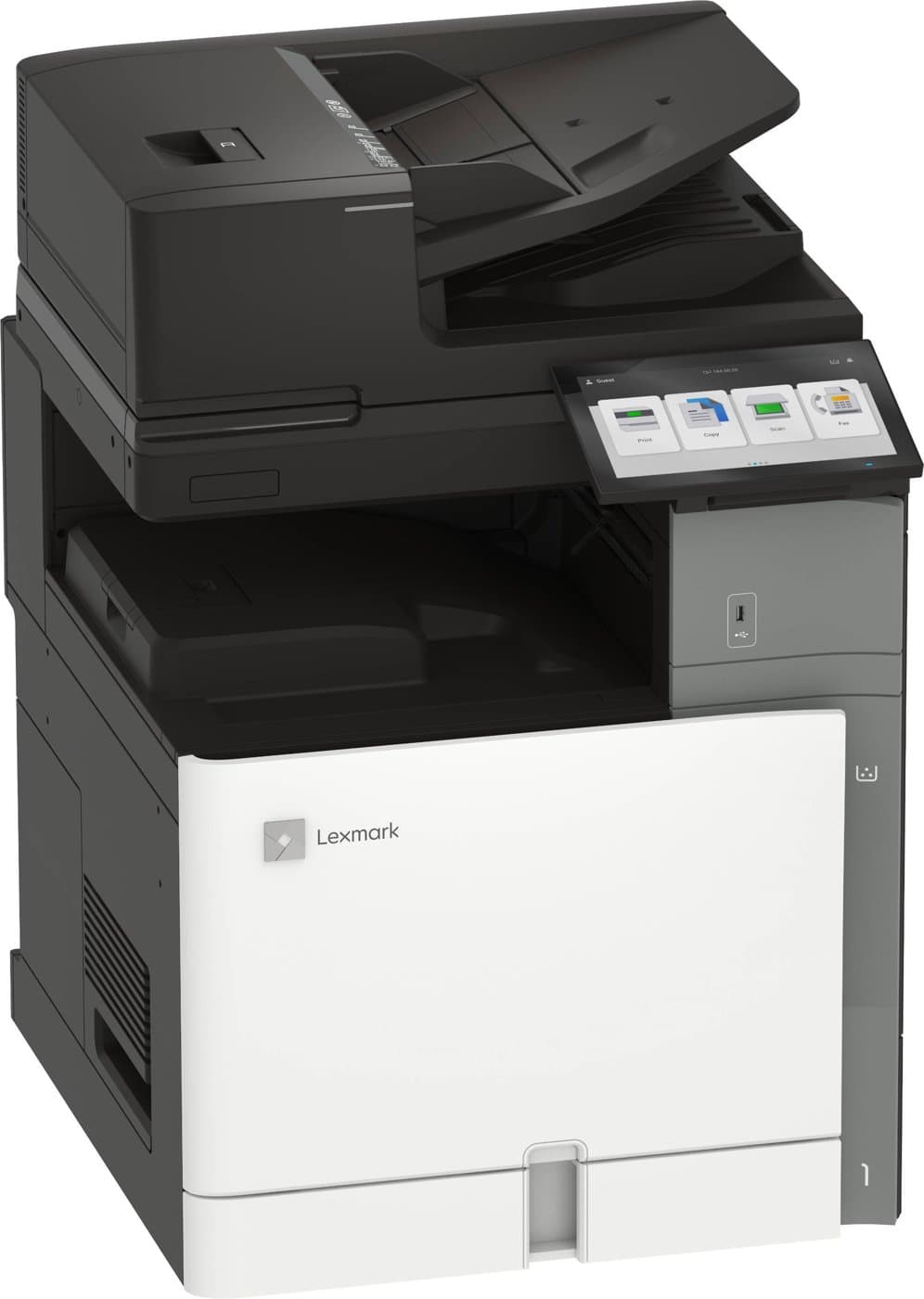
Lexmark XC9635 Colour Multifunction Printer
A heavier-duty A3 colour copier: 35 ppm, upgradable to 45 or 55 ppm, with a 300-sheet document feeder scanning up to 240 sides per minute.
- Copy
- Scan
- Fax (optional)
- A3 · Colour
Best for: High volume · 20,000+ pages a month
We'll confirm pricing, availability and the right configuration for your office.
35 ppm, upgradable to 55
Print & copy speed
7,000–50,000 pages
Monthly volume
Up to 240 sides/min
Duplex scanning
700 → 4,750 sheets
Paper capacity
About the Lexmark XC9635
The XC9635 is the high-volume version of Lexmark's A3 colour copier. It prints and copies at up to 35 pages per minute, upgradable to 45 or 55 ppm by licence, and handles everything from A6 to SRA3, including glossy stock and labels.
Its 300-sheet document feeder scans both sides at once at up to 240 sides per minute, so large scanning jobs move quickly. A 10-inch touchscreen keeps copying and scan-to-email simple for everyone in the office.
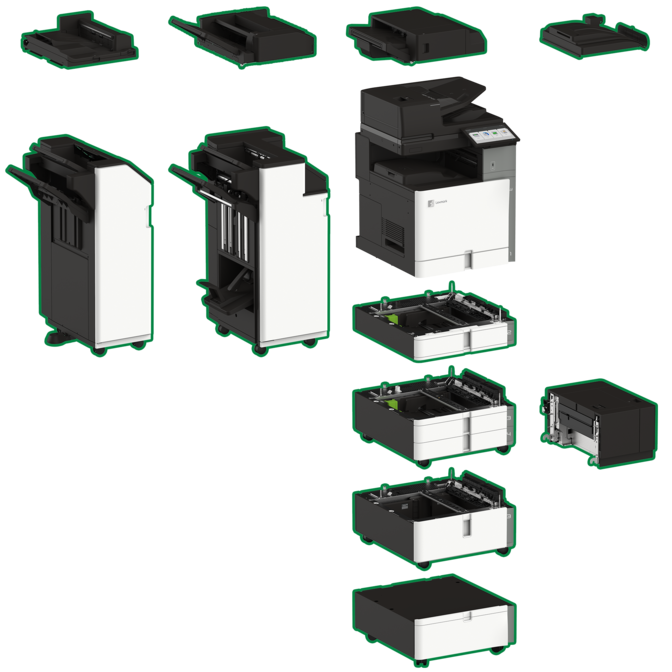
It grows with a long list of options: extra drawers, a 2,000-sheet tandem tray, a 1,500-sheet side tray, stapling, hole punching and a booklet finisher. Toner cartridges of nearly 48,000 pages keep running costs predictable.
Specifications
From the manufacturer's datasheet
Print & copy
- Speed
- Up to 35 ppm A4, colour and black; 45 or 55 ppm with a speed licence
- First page out
- As fast as 7.1 s black / 8.2 s colour
- First copy out
- As fast as 8.5 s black / 9.5 s colour
- Resolution
- 1200 × 1200 dpi; 4800 Colour Quality
- Memory / storage
- 4 GB; Intelligent Storage Drive included
Scan & fax
- Document feeder
- 300-sheet single-pass duplex (DADF)
- Scan speed
- Simplex 120 / duplex 240 sides per minute, colour and mono
- Fax
- Optional fax card
Paper handling
- Standard input
- 550-sheet tray + 150-sheet multipurpose feeder
- Maximum input
- 4,750 sheets
- Output
- 500 sheets standard; up to 2,650 with finishers
- Paper sizes
- A6 to SRA3, envelopes
- Media types
- Plain and glossy paper, card stock, labels, vinyl labels, envelopes
Connectivity
- Interfaces
- Gigabit Ethernet, front USB, USB 2.0 device port, Wi-Fi 802.11a/b/g/n/ac
- Optional ports
- Parallel, serial, fibre Ethernet
Size & duty
- Dimensions (H × W × D)
- 858 × 592 × 660 mm
- Weight
- 87.6 kg
- Recommended volume
- 7,000–50,000 pages per month
- Maximum duty cycle
- 150,000 pages per month
- Noise (printing)
- 46 dBA
Options & add-ons
Build the machine around how your office works. Tell us what you need and we'll recommend a configuration.
Paper & furniture
- 550-sheet tray
20L8800 - 2 × 550-sheet tray
20L8801 - 2,000-sheet tandem tray (A4)
20L8802 - 1,500-sheet high-capacity side tray
20L8804 - Special media tray
20L8808 - Cabinet
20L8806
Finishing
- 500-sheet staple finisher
20L8809 - 1,250-sheet staple 2/4 hole punch finisher
20L8813 - 2,250-sheet booklet staple 2/4 hole punch finisher
20L8815 - Offset stacker
20L8816 - Paper transport unit
20L8817Needed for the floor-standing finishers
Connectivity & access
- Fax card
37X6146 - 500 GB hard disk
27X0420 - Contactless card reader
57X0301
Speed upgrades
- XC9635 to XC9645 speed upgrade (45 ppm)
20L8900 - XC9635 to XC9655 speed upgrade (55 ppm)
20L8901
Toner & supplies
On a managed print plan we monitor the device and look after consumables with you. You can also order supplies from us at any time.
Order supplies| Item | Yield | Part no. |
|---|---|---|
| Black toner | 47,700 pages | 77L0H10 |
| Cyan toner | 46,900 pages | 77L0H20 |
| Magenta toner | 46,900 pages | 77L0H30 |
| Yellow toner | 46,900 pages | 77L0H40 |
| Waste container | 170,000 pages | 77L0W00 |
| Black imaging unit | 225,000 pages | 77L0Z10 |
| 3-colour imaging kit | 250,000 pages | 77L0Z50 |
Yields are Lexmark's averages at about 5% coverage. Part numbers come from Lexmark's international datasheet and Australian codes can differ, so we'll match the right cartridge to your machine when you order.
Talk to New Era
Is the Lexmark XC9635 right for you?
Tell us roughly how much you print, who uses it and what you have now. We'll tell you honestly whether this is the right machine, and we can install it and look after it if it is.
Specifications are from the manufacturer and can change. Confirm with us before you buy. Last checked 1 October 2026.
Other high volume machines
See the full range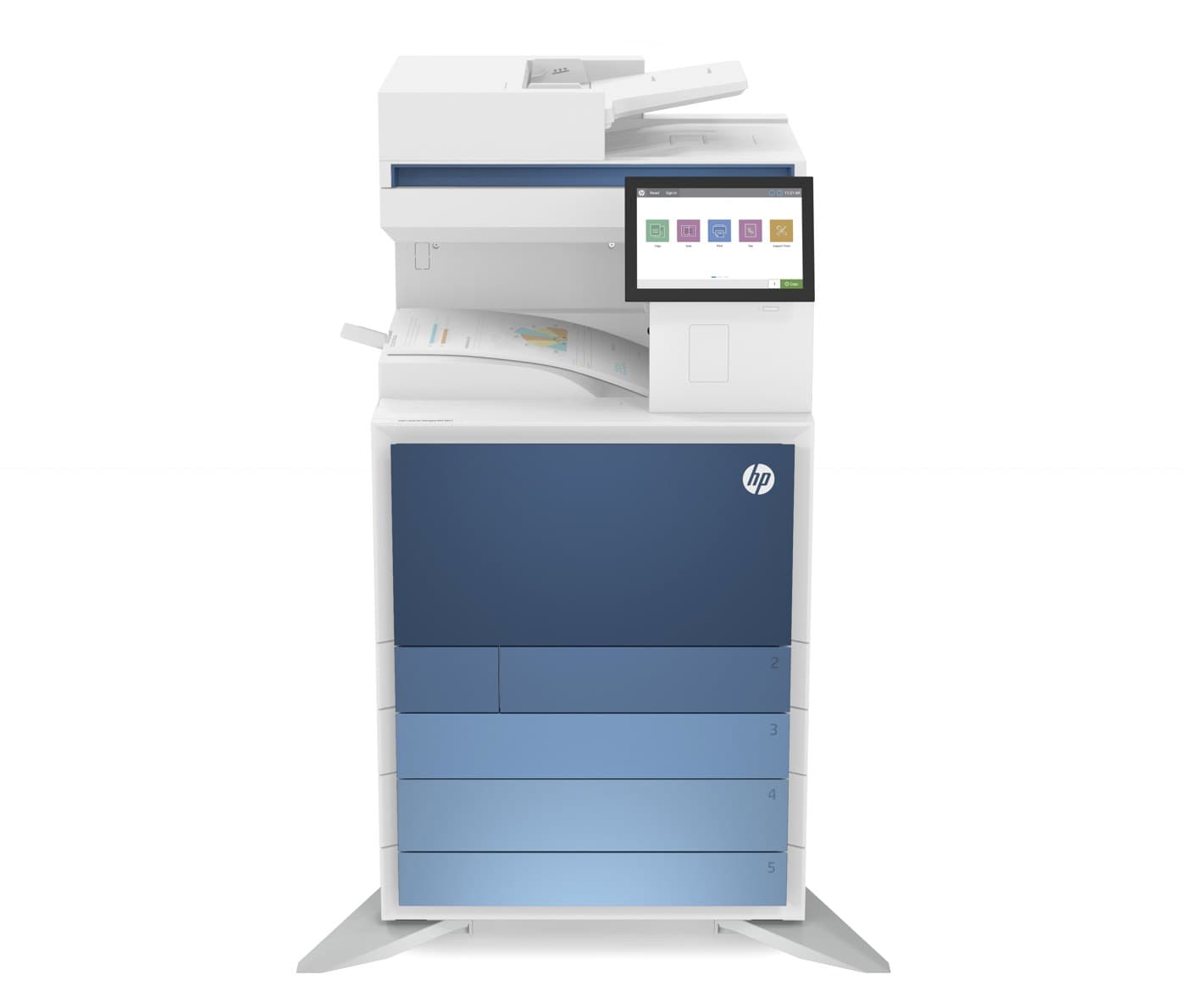 A3 · Colour
Best for: High volume
HP · A3 colour multifunction
HP E877dn
- Print & copy speed
- 40 ppm, upgradable to 70
- Monthly volume
- Up to 60,000 pages
 A3 · Colour
Best for: High volume
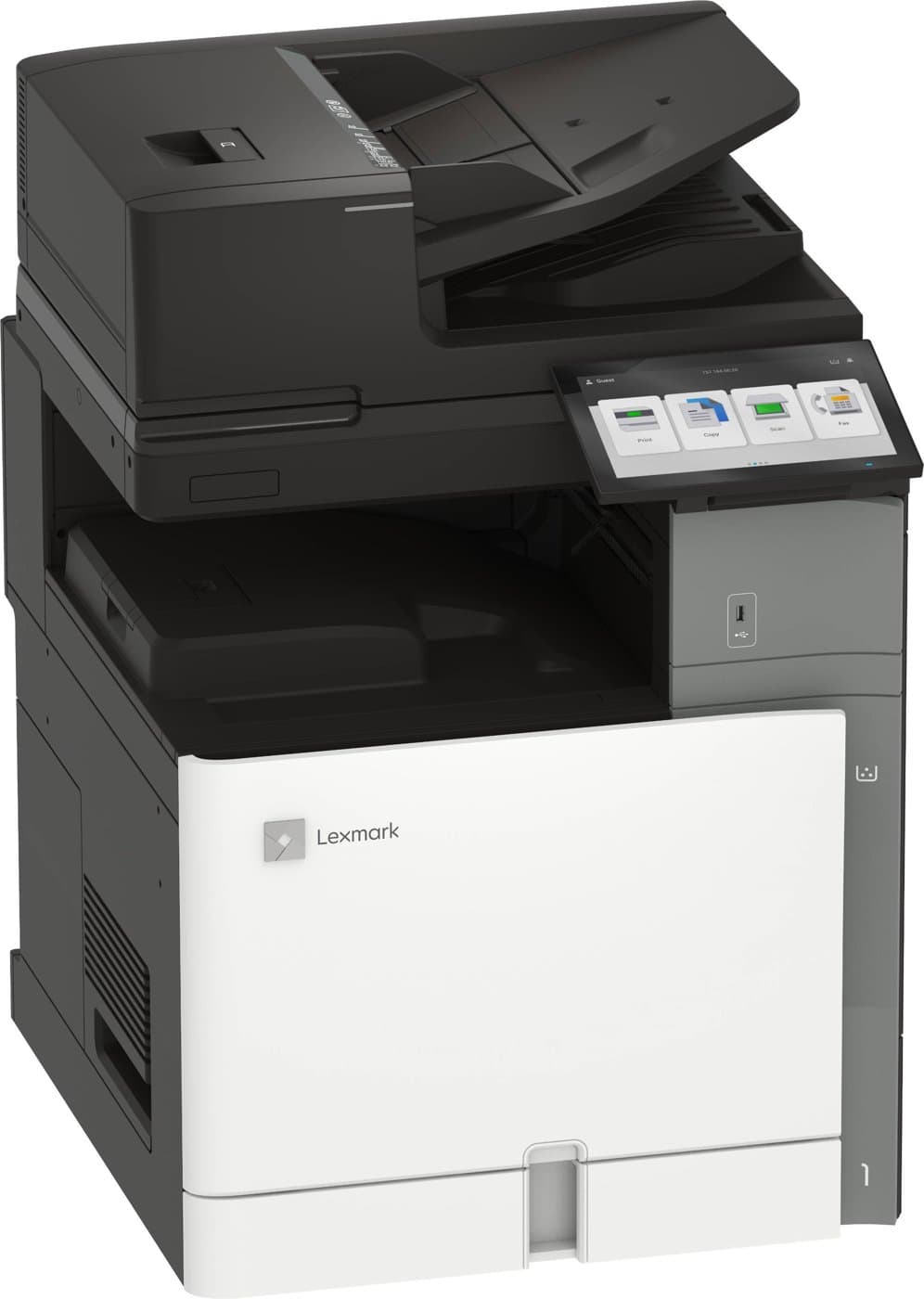
Lexmark · A3 colour multifunction
Lexmark XC9645
- Print & copy speed
- 45 ppm, upgradable to 55
- Monthly volume
- 7,000–50,000 pages
 A3 · Colour
Best for: High volume
Lexmark · A3 colour multifunction
Lexmark XC9655
- Print & copy speed
- Up to 55 ppm
- Monthly volume
- 7,000–50,000 pages